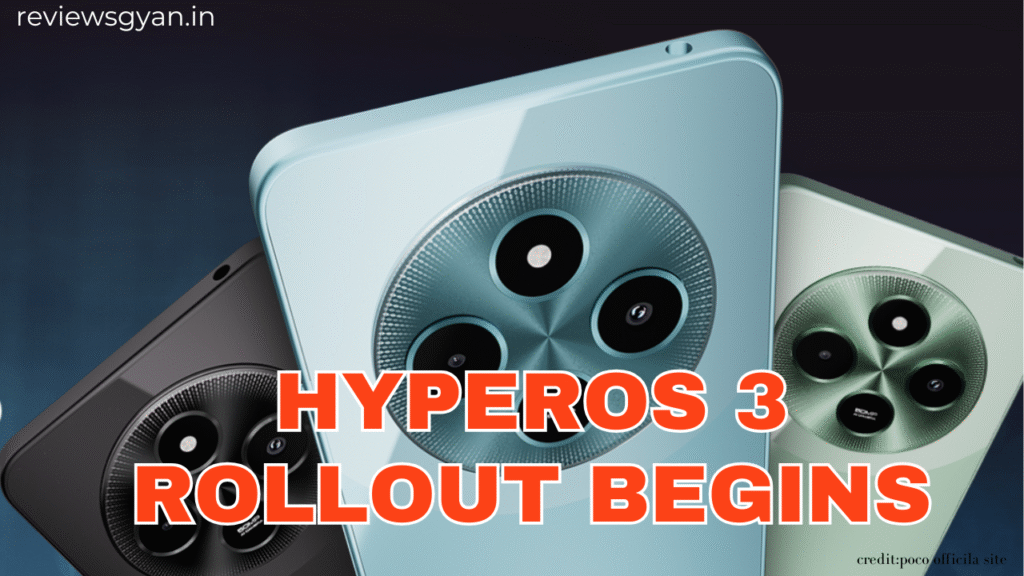
Poco recently held a launch event for the Poco F8 series in Bali, Indonesia. The company formally announced the release schedule for HyperOS 3, its most recent software update, along with the new smartphones. The first gadgets to be pre-installed with the new firmware are the Poco F8 Pro and Poco F8 Ultra.
Here is the complete confirmed timetable if you have a Poco phone and are wondering when the update will be available.
📅 HyperOS 3 Update Timeline
✔ November 2025
The first batch of devices getting the HyperOS 3 update includes:
Poco F7 Ultra (already rolling out)
Poco F7 Pro
Poco F7
Poco X7 Pro Iron Man Edition
Poco X7 Pro
Poco X7
Poco has already started pushing the update to the F7 Ultra, and the rest are expected before the end of the month.
✔ December 2025
Next in line are the following models:
Poco F6 Pro
Poco F6
Poco X6 Pro
Poco M6 Pro
Poco M7
Poco C75
The update is anticipated to be applied gradually to these phones beginning in early December.
✔ December 2025 to March 2026
The final group will receive the update between December and March 2026:
Poco F5 series
Poco M7 Pro 5G
Poco C85
Poco Pad X1
Poco Pad M1
Poco X6
HyperOS 3: Top Features
HyperOS 3 is based on Android 16 and brings a refreshed UI and intelligent AI additions.
Some key highlights include:
🔹 HyperIsland
A new notification style that resembles Dynamic Island on Apple smartphones is located next to the front camera cutout. It displays shortcuts, system activities, and notifications in a small floating style.
AI Tools
The update includes a number of AI-powered features, including:
An intelligent writing assistance
Rewriting information in various tones using DeepThink mode
HyperAI assistant for original ideas
AI-driven voice recognition with assistance for transcription and summaries
Improved UI and System Stability
Poco claims faster animations, smoother transitions, and better battery optimization with this build.
Final Thoughts
The HyperOS 3 rollout marks a major step forward for Poco users, especially with its new AI tools and modern UI design. If your Poco phone is on the confirmed list, keep an eye on the Software Update section under Settings.
Make sure your device has enough storage and battery before installing the update. **Updates are released in batches, so you may receive it later than other users in your region.